Settings & organization
This page is where the contextual help from the settings area points. Use the jump links (table of contents on the right) to go straight to the relevant section.
Profile and account
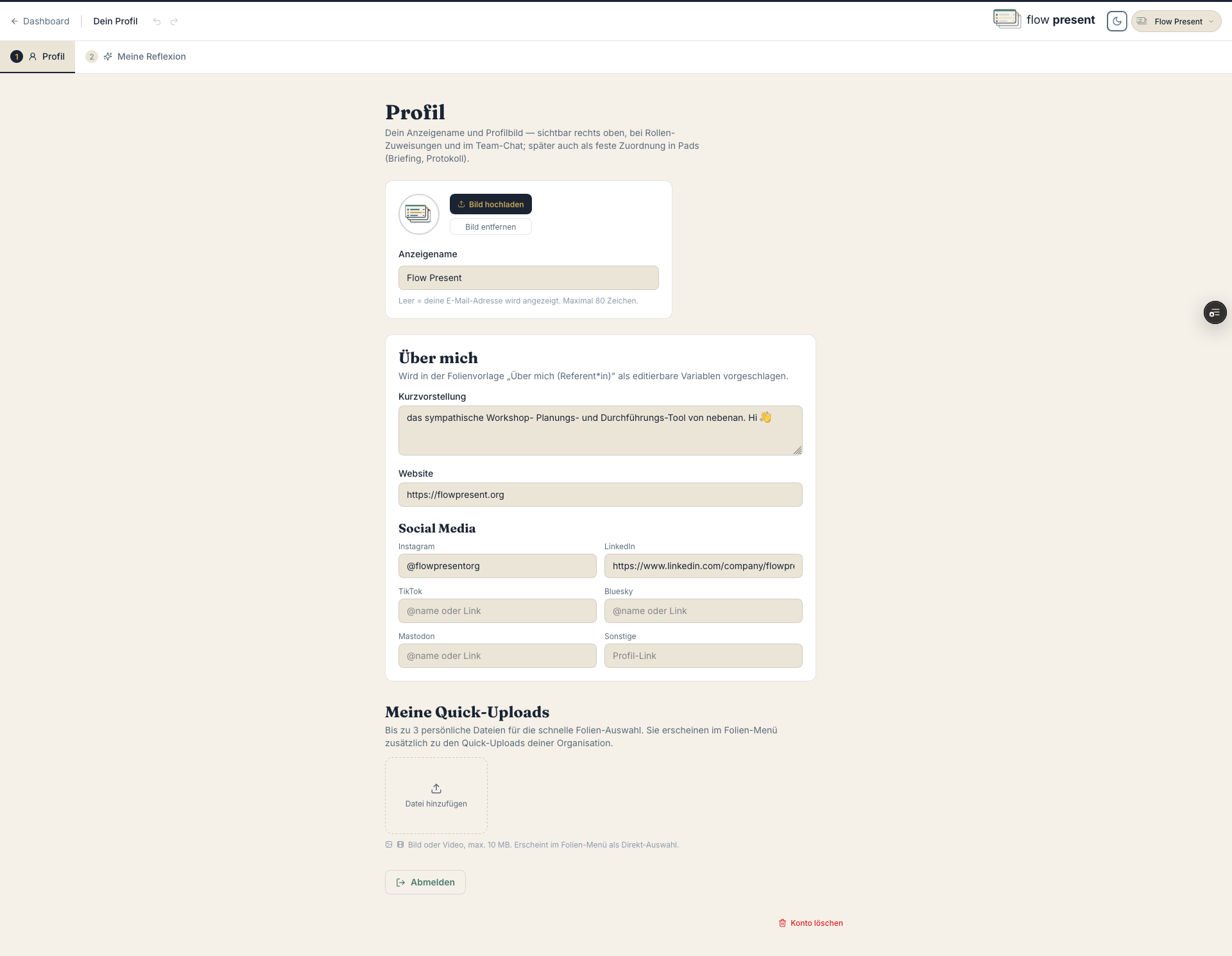
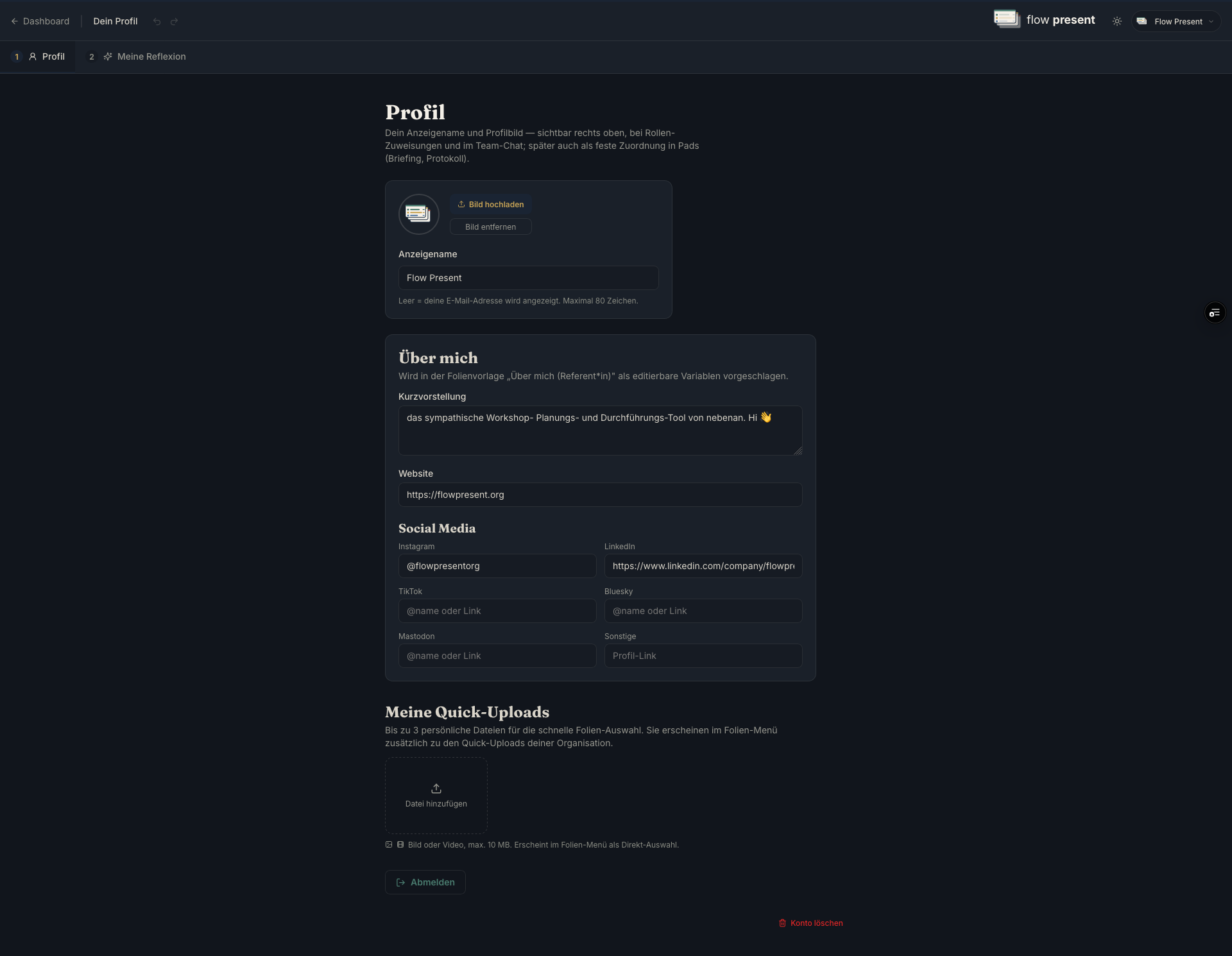
Section titled “Profile and account”“Display name,” profile picture (“Upload image” / “Remove image”), short bio, website, and socials. With “Save,” you allow these to be used across all projects you’re involved in — since variables let you build contact or presenter slides automatically, for example. “Delete account” shows in advance what will be deleted and what stays, and requires your email to confirm.
Organization
Section titled “Organization”General
Section titled “General”Organization name, “Web address (org slug)” (note: you can only change this yourself once), time zone, date and time format, “Break reminder after (min.),” alarm sound for sub-timers.
Design
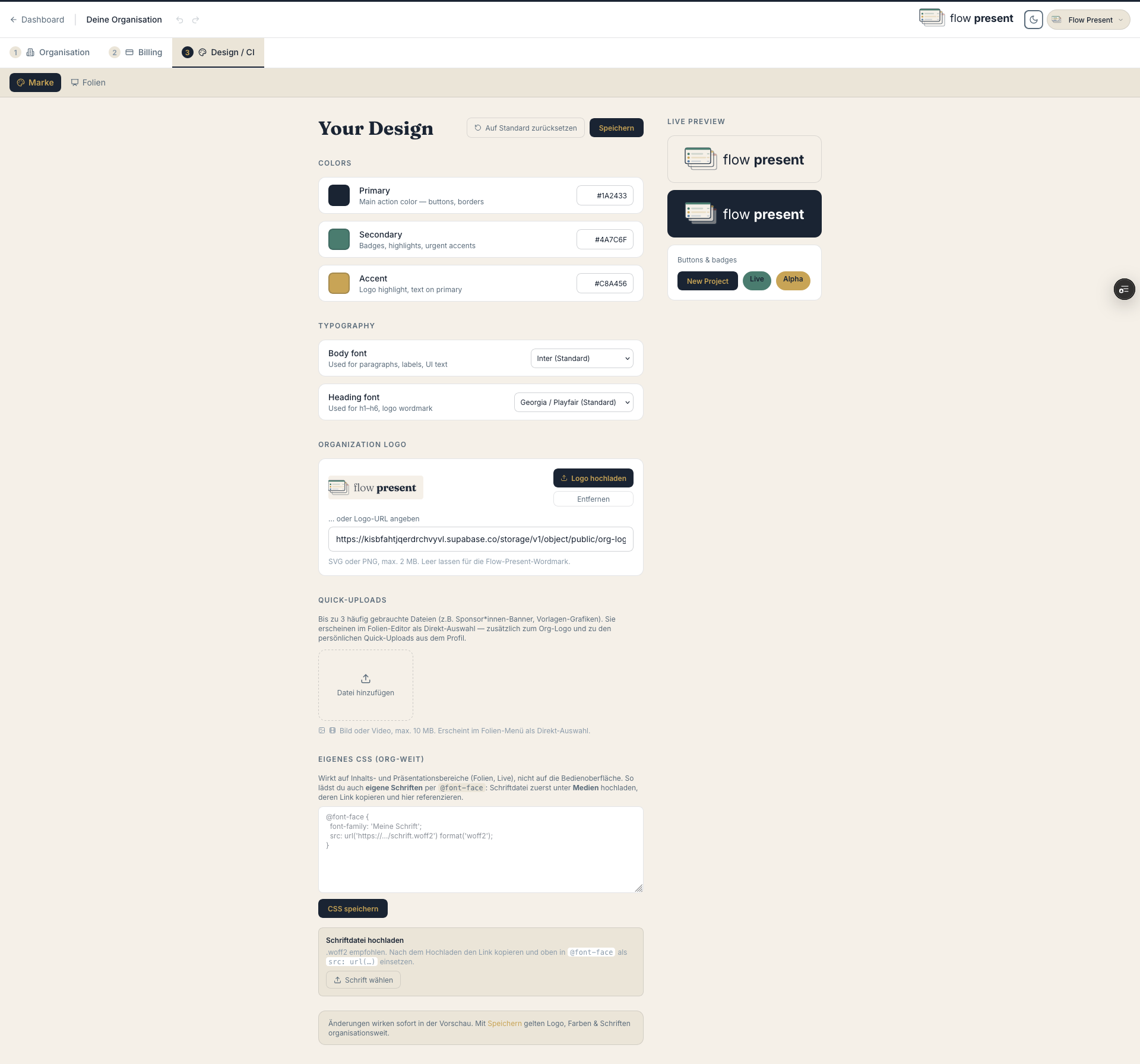
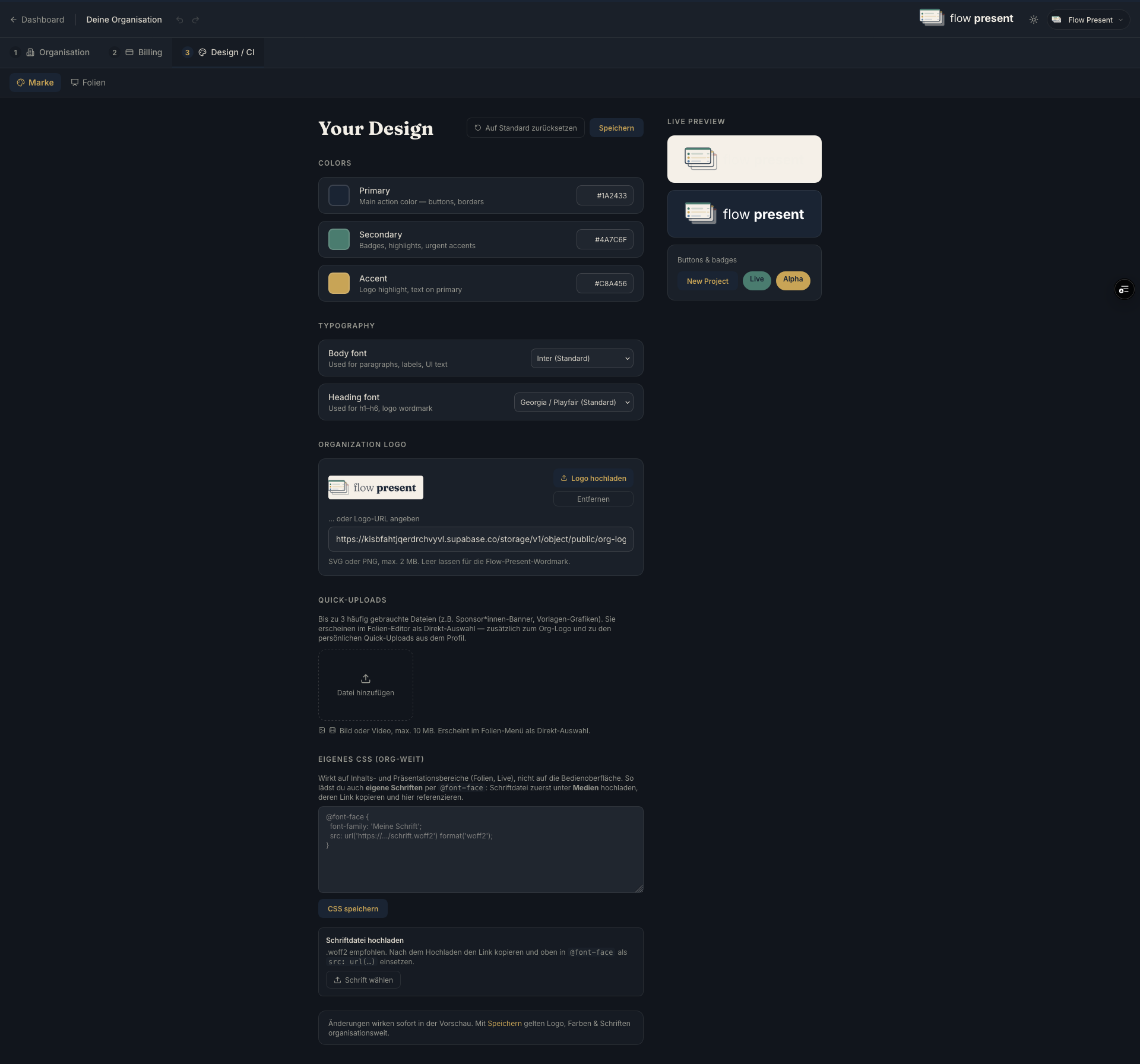
Section titled “Design”Colors, logo, organization fonts.
Fonts and text styles
Section titled “Fonts and text styles”Define “Heading 1–4” and “Body text”; “Brand safety” prevents deviations in slides.
Custom slide CSS
Section titled “Custom slide CSS”Applies only to slides, never to the app.
Slide templates
Section titled “Slide templates”Includes a fixed “Break” template (placeholder {{wieder}}).
Categories
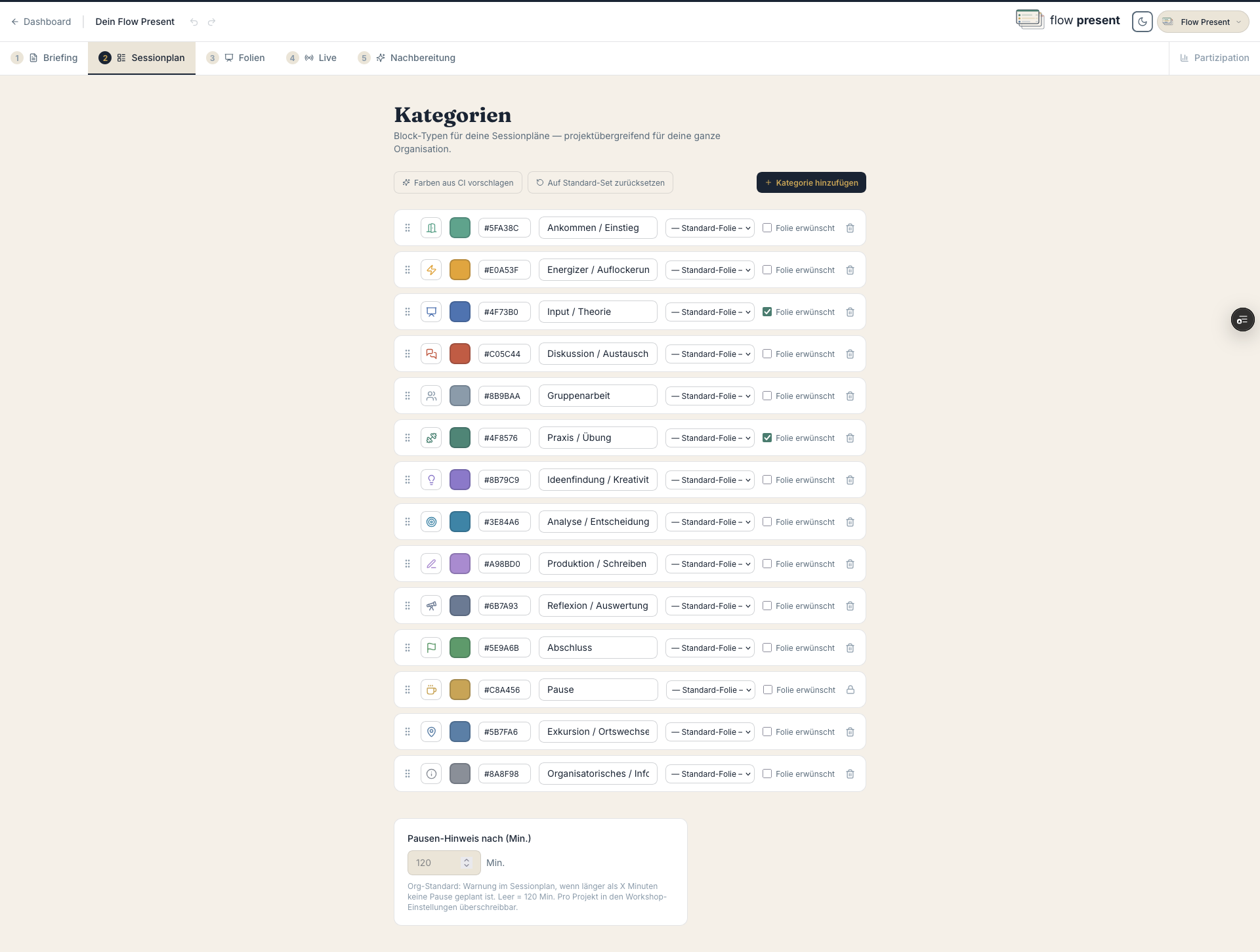
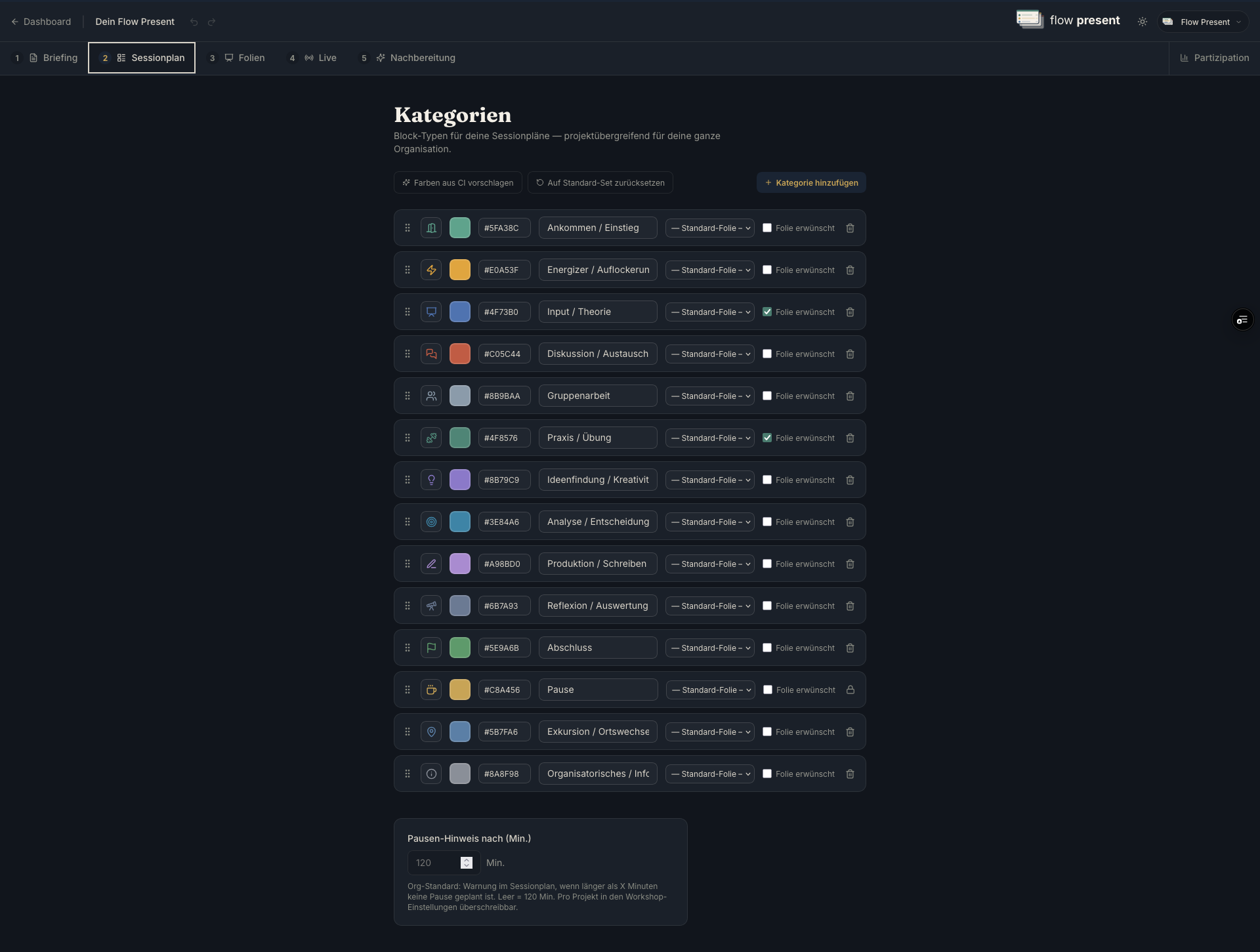
Section titled “Categories”Label, color, icon, “Slide required”; “Break” is fixed.
Organization default roles (e.g., speaker, moderator, minutes, materials); overridable per project.
More templates
Section titled “More templates”Participation templates, briefing template, and stage size (default slide format, overridable per project).
“Invite” by email (magic link) or “Create invite link” (valid for 14 days). Only owners and admins can invite.
Plans and billing
Section titled “Plans and billing”Under “Billing”: current plan/status, “Manage subscription” (Stripe portal), “Upgrade now,” usage (upload storage, translation characters), and invoices. Details and comparison on the plans page.