Welcome
flow present is a platform for lively workshops, seminars, training sessions, and talks. It brings all the phases together in one place — from preparation through the session plan and the slides to Live mode and the follow-up. Nothing gets lost along the way, and you have more time for your content.
Account & sign-in
Section titled “Account & sign-in”flow present uses magic-link sign-in — no password.
- Enter your email address on the sign-in page and click “Send magic link.”
- Open the email and click the login link — you’re signed in.
- To sign out: choose “Sign out” from the profile menu.
When you register (“Create account”), you provide your name, email, and plan; here too, access comes by magic link.
Your dashboard
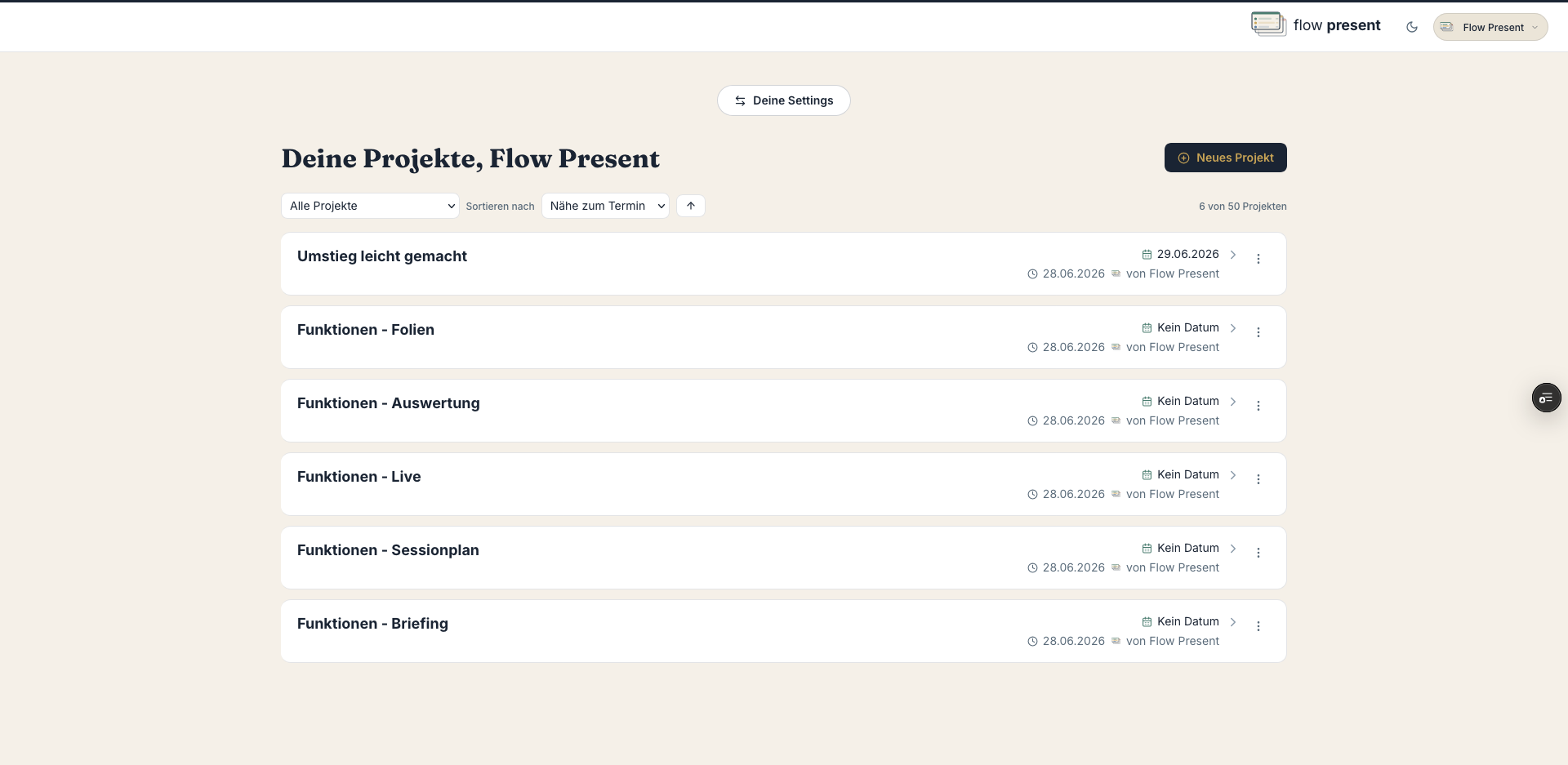
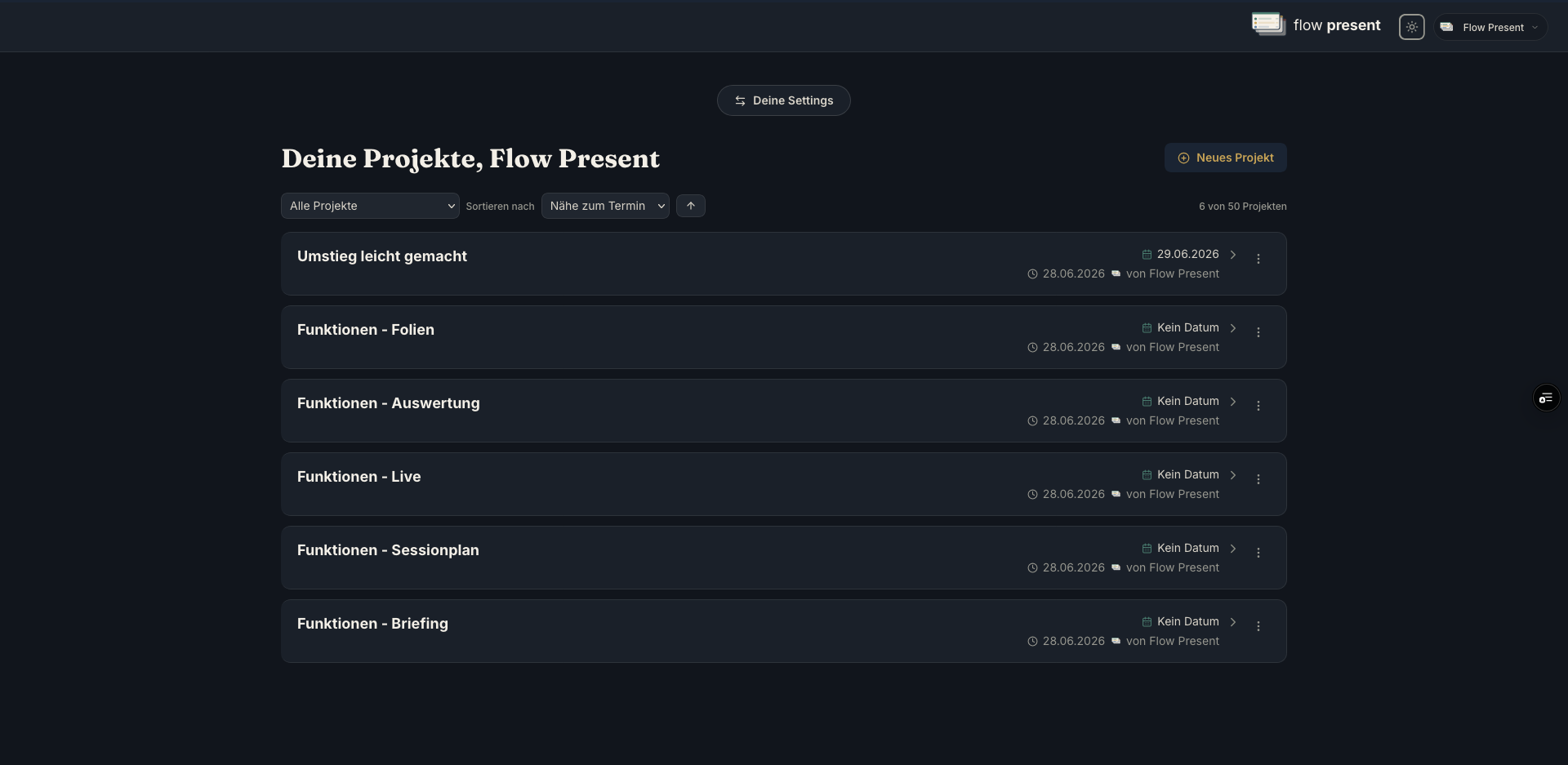
Section titled “Your dashboard”After signing in, you land on “Your projects.”
- New project: the “New project” button.
- Sort: by proximity to the date, creation date, or last edited (ascending/descending).
- Filter: “All projects,” “projects I started,” or by organization.
- Archive: completed projects under “Archive” — restore or delete them.
- Per project: “Duplicate” (with a date shift), “Archive,” “Delete project.”
Understanding your project
Section titled “Understanding your project”Every project walks you through the phases (tabs): Preparation → Session plan → Slides → Live → Follow-up. Alongside them is the Participation tab (polls, live options, participant view, minutes). You set up the project settings (title, type, date, team …) under Preparation → Set up the project.