Preparation
Preparation is where every project begins. Here you set up your project, gather the briefing collaboratively, sort out team & roles, and get ready right before the workshop. Everything in one place — no separate settings dialog anymore.
The phase is split into four tabs that guide you through preparation in a sensible order: Set up project → Briefing → Team & roles → Right before the workshop.
Set up project
Section titled “Set up project”The first tab (/vorbereitung/projekt) is your runway for a new project. It gently guides users
who are less comfortable with technology.
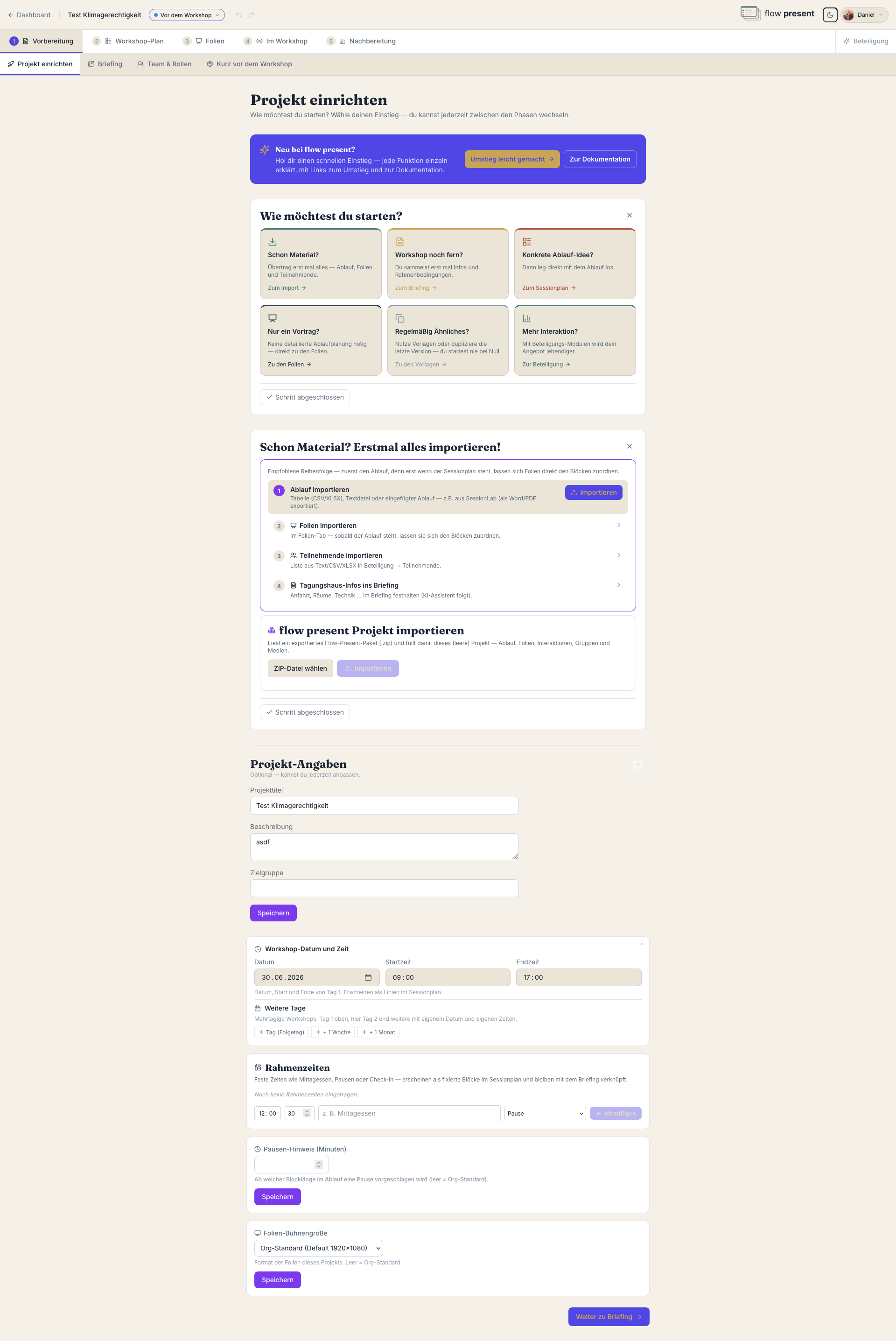
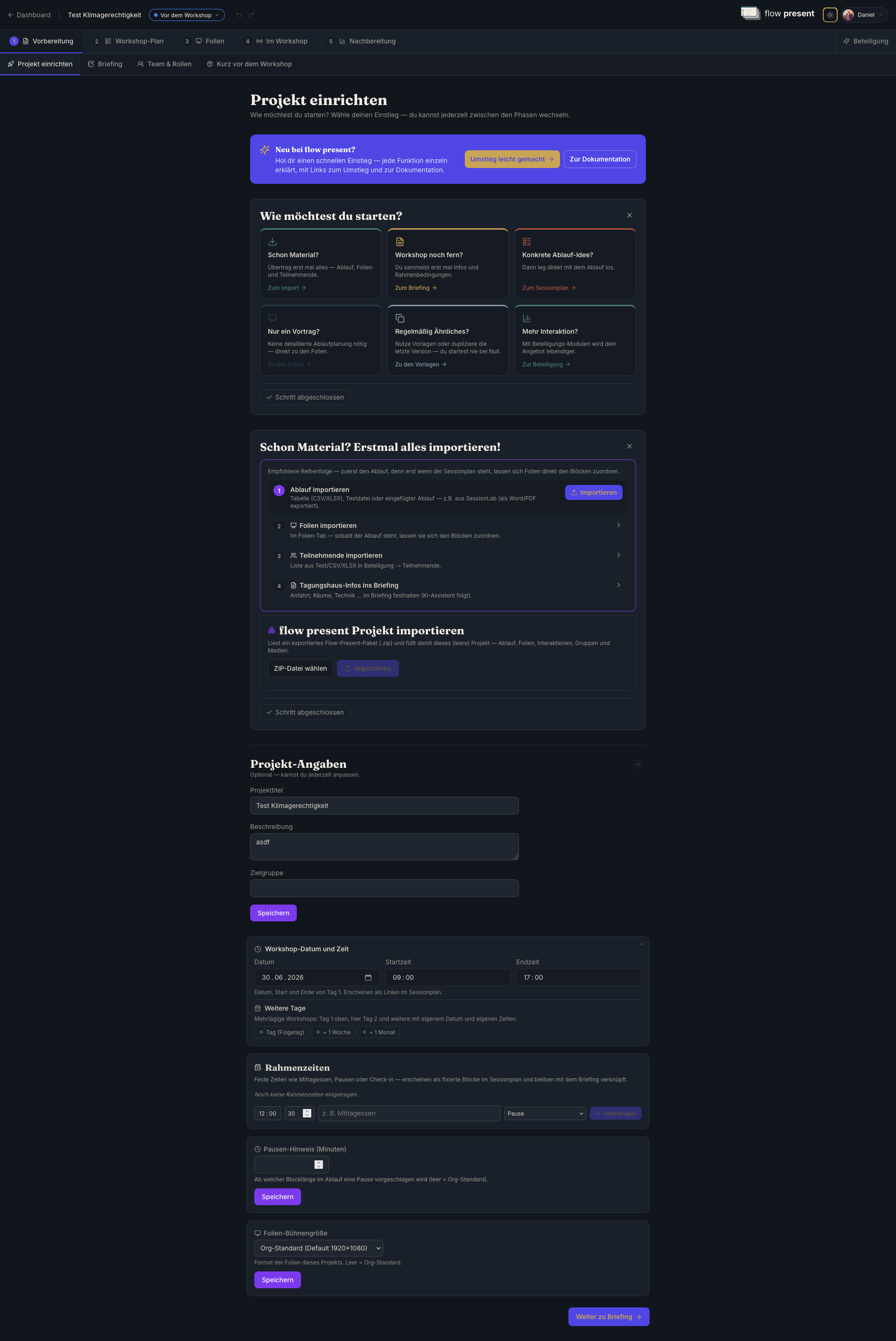
- Getting-started tiles: six guided tiles show you the sensible first steps — import material, gather the briefing, build the plan, create slides, use a template, or prepare participation.
- Already have material? Right below sit all the import features: existing schedules (CSV, XLSX, TXT, DOCX, PDF), slide packages and entire project packages can be read in.
- Project details (collapsible): title, description, target audience and the welcome text — maintained in one place, editable at any time. Saved automatically.
- Project date & framing times (collapsible): set the date, start and end here, and enter framing times (e.g. lunch, fixed breaks). These framing times are shared between Preparation and the session plan — changes stay consistent on both sides instantly. Also here: the break hint (“Remind me after X minutes without a break”) and the slide stage size.
Briefing
Section titled “Briefing”The second tab (/vorbereitung/briefing) is your shared preparation pad. Here you gather project
goals, target audience and framework conditions — all in view before you begin.
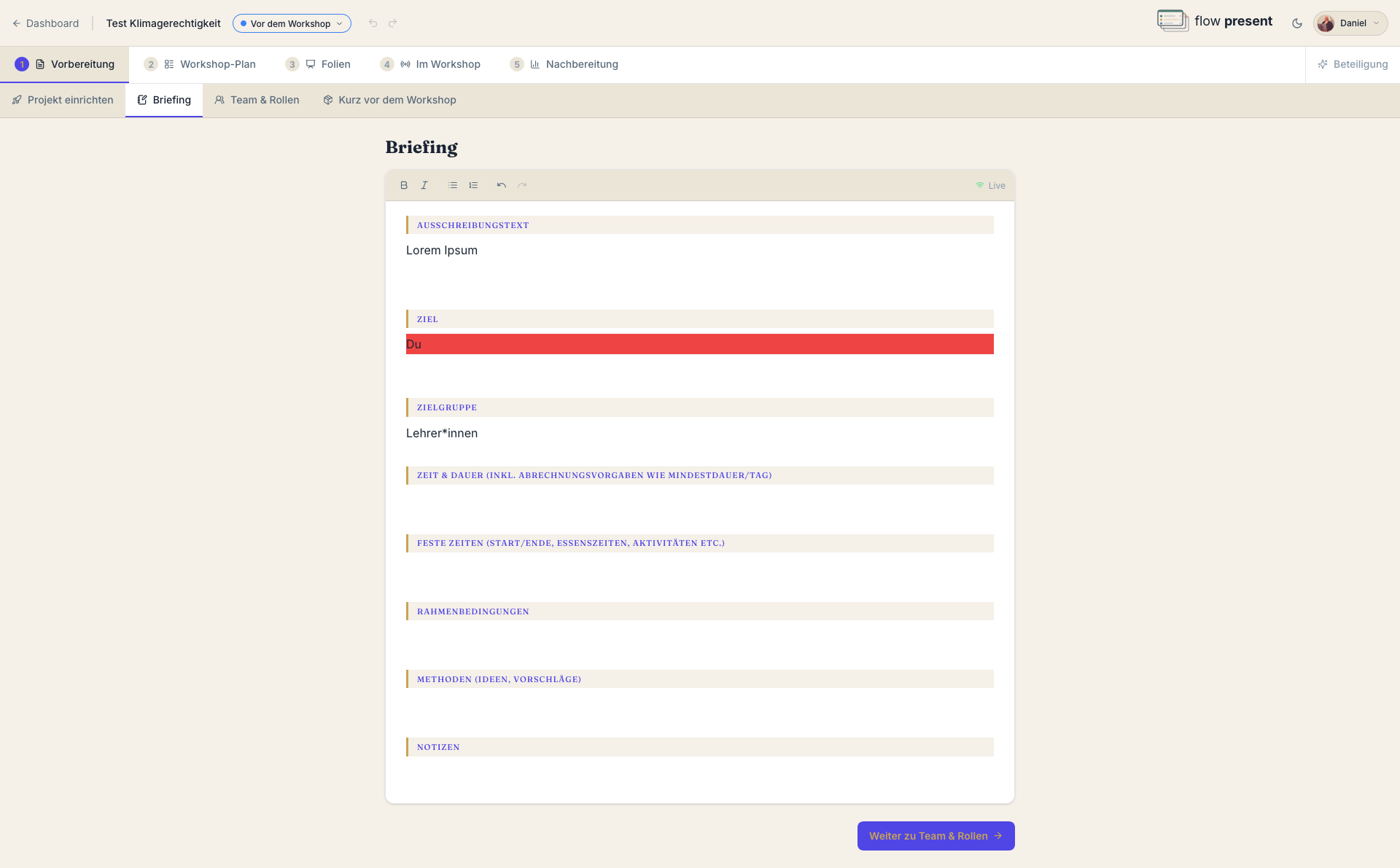
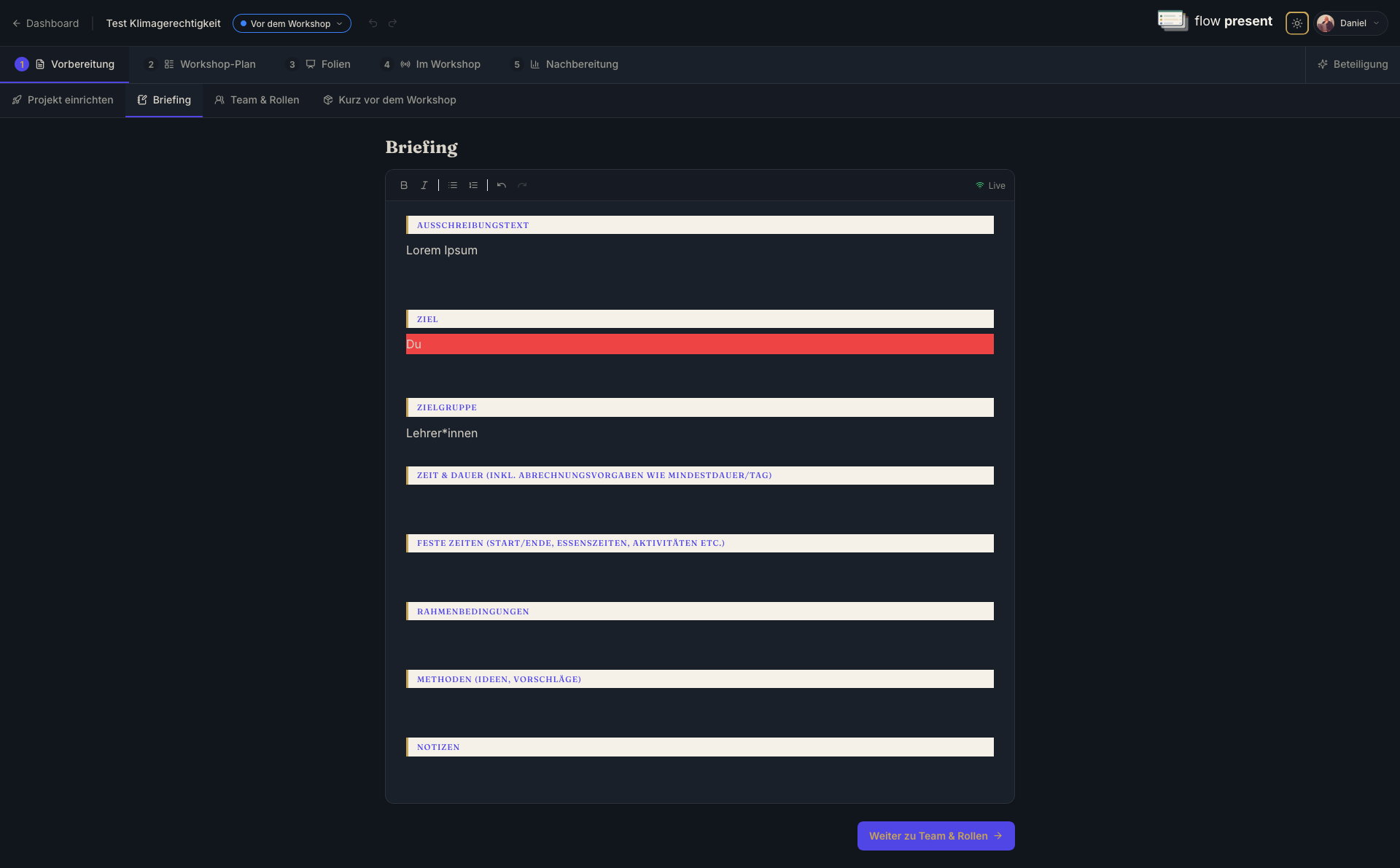
The briefing is pre-filled with sections from your organization’s template (e.g. call for proposals, goal, target audience, time & duration, fixed times, framework conditions, methods, notes). It is a real-time editor (Hocuspocus/Yjs) — several people can write at once, even from different places.
Here’s how to work with it:
- Open the “Briefing” tab.
- Write in the sections (placeholder “Write here…”). Changes are shared live.
- The results can later be transferred straight into the session plan — by drag & drop, with transferred items checked off automatically.
Team & roles
Section titled “Team & roles”The third tab (/vorbereitung/team) is about your internal delivery team — deliberately separate
from the participants.
- Assign roles: flow present comes with default roles (typically presenter, facilitator, minutes, materials). You assign them centrally here; in the session plan they can be refined per block.
- Invite the team: invite colleagues into the project so you can prepare together and facilitate live.
Right before the workshop
Section titled “Right before the workshop”The fourth tab (/vorbereitung/vor-dem-workshop) bundles everything for the last stretch before
the start.
- Tasks before the workshop: a checklist of open items. Add a “What still needs doing?” item, assign it to a person, check it off; filter by “Me” or “All.” Automatic checks like “Slides missing: {Block}” check themselves off as soon as the underlying cause is resolved.
- Exports right before the workshop: “Export slides as PDF” (a backup for projecting), “Print session plan” (with a choice of format via a dialog) and “Print materials list.”
- Minutes: a three-way switch for shared minutes — Off │ In the team │ With participants. “With participants” lets participants read the minutes live. When it’s active, the minutes pad appears directly below.
From here you move on to the session plan, the slides and the live mode.