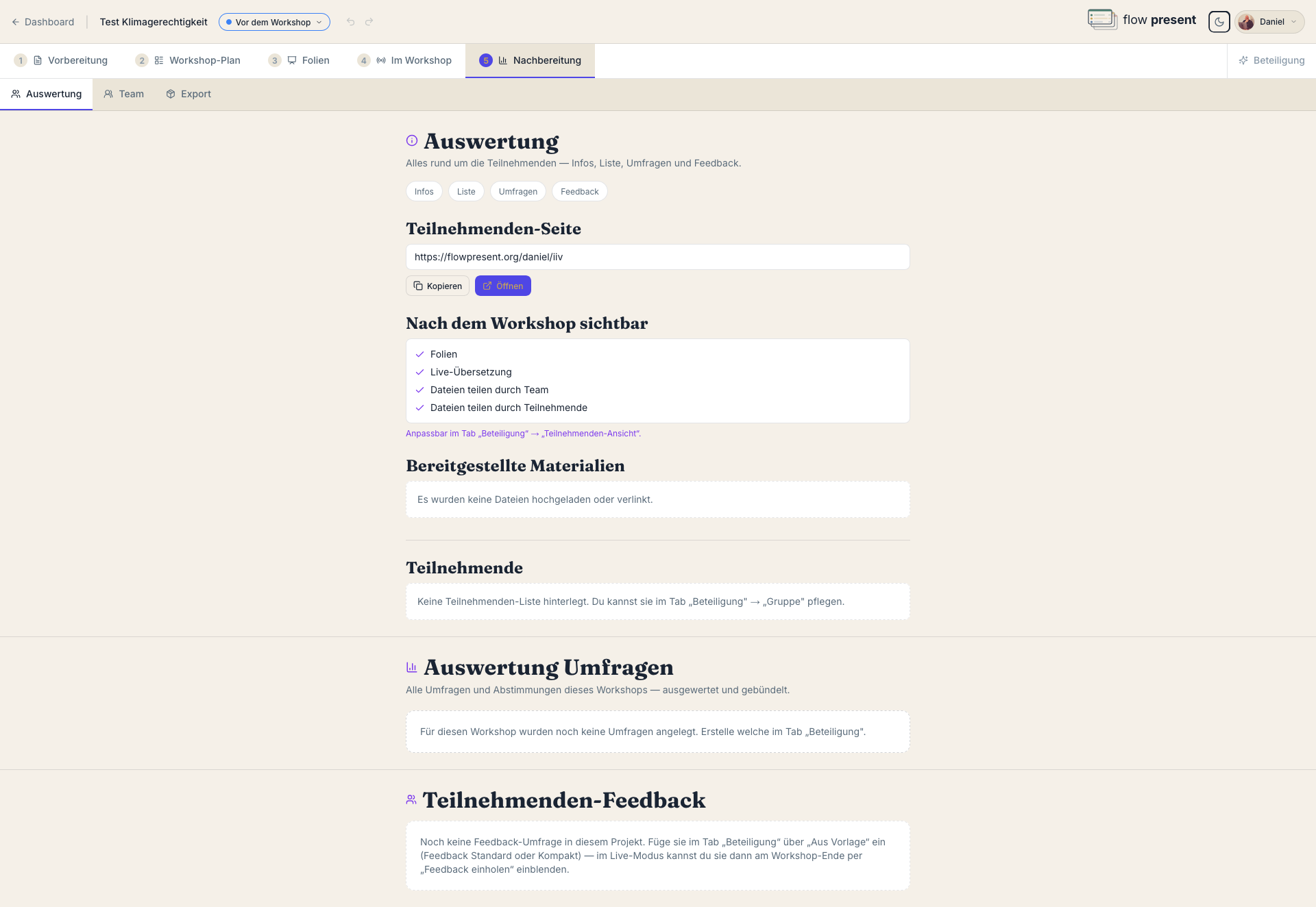
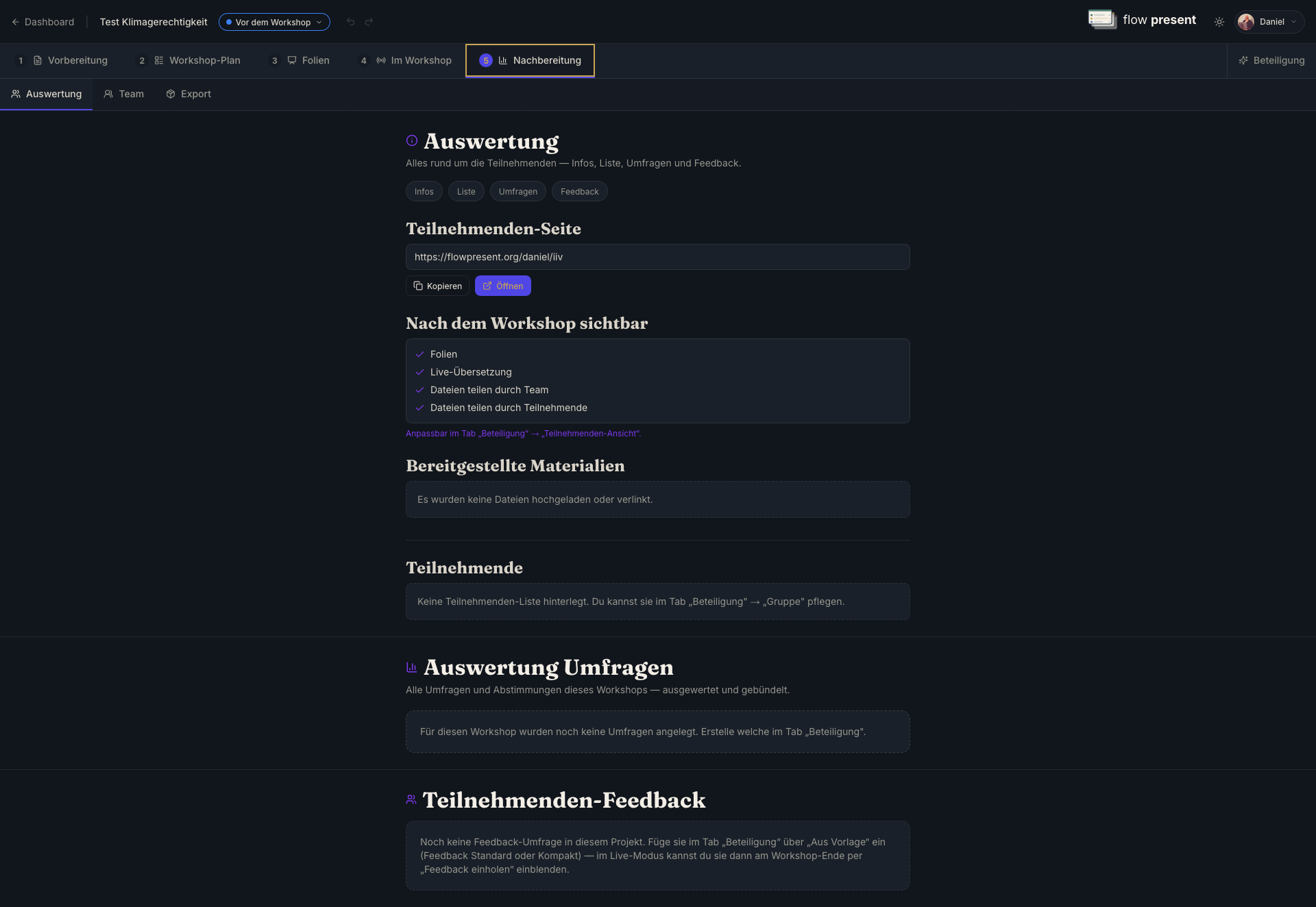
The Analysis sub-tab brings together everything about the participants — info, list, polls,
and feedback on one page with jump links.
Participant page: the public join link (created once the workshop has been live) and which
modules are visible after the workshop. Configurable under
Participation → “Participant view.”
Provided materials: the files uploaded or linked for participants.
Participant list: the names entered under Participation.
Polls & feedback: for each question the analysis — scale (distribution + average),
multiple choice (bars), word cloud, free text (list). Across multiple runs you can “filter by
run”; “Export CSV” downloads the data.
The Team sub-tab shows who was involved and brings the reflection together.
People involved: per role (speaker, moderation, minutes …) the assigned people across all
blocks. Roles are assigned in the Session plan per block.
Reflection: a personal analysis and a shared team reflection. The personal overview
aggregates anonymous feedback across your workshops — an overall score, a trend, “Your
strengths,” “Here you can grow,” and your own goals. “Generate suggestions for improvement”
evaluates the responses.
Shared minutes: if minutes were taken during the workshop, you can read them here.
The Export sub-tab backs up the whole project as a re-importable package (ZIP) — plan,
slides, interactions, groups, and media, without any personal participant or team data. Import
turns such a package into a new project.
This is described in detail on the dedicated Export page.