Participation
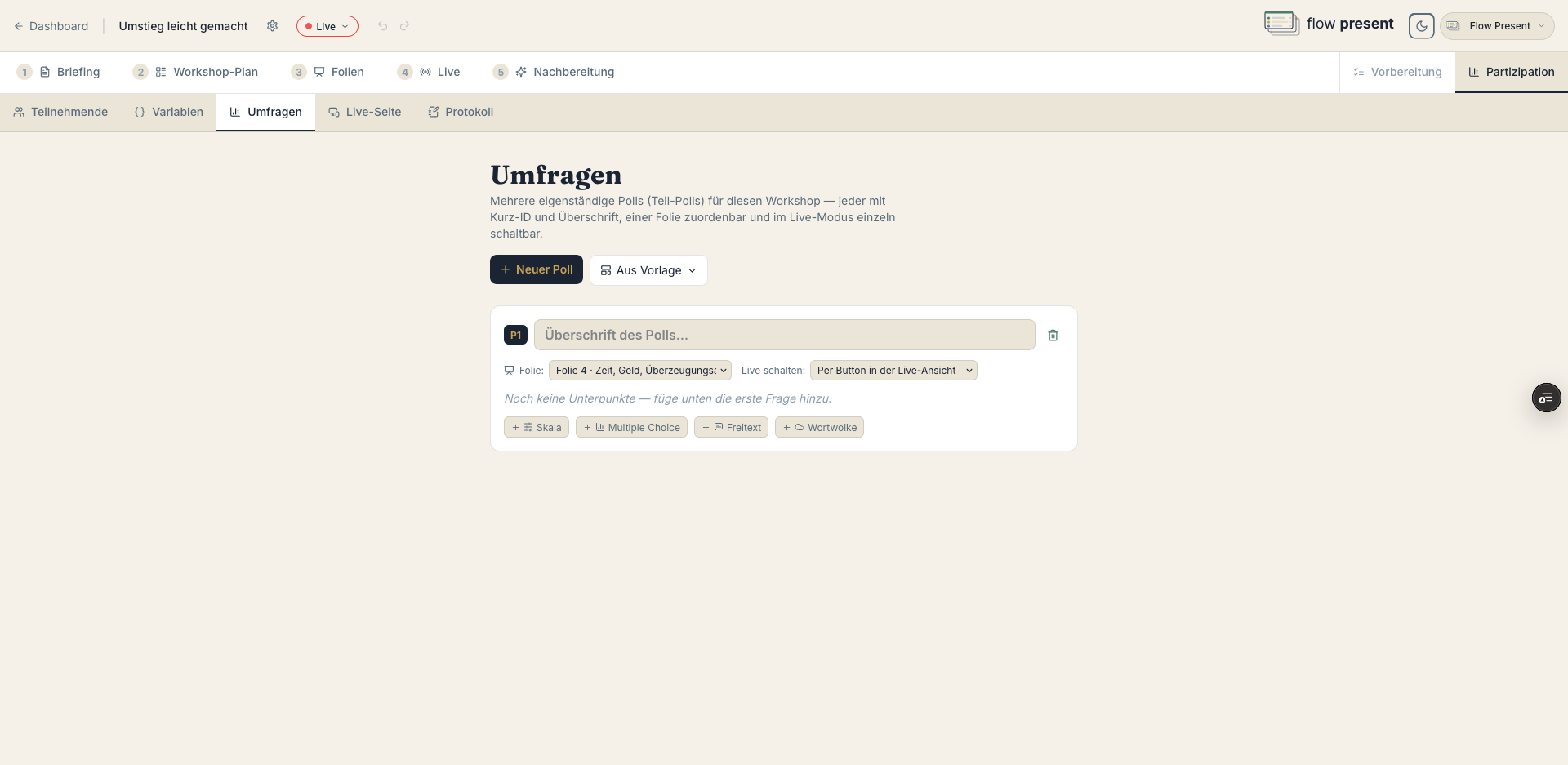
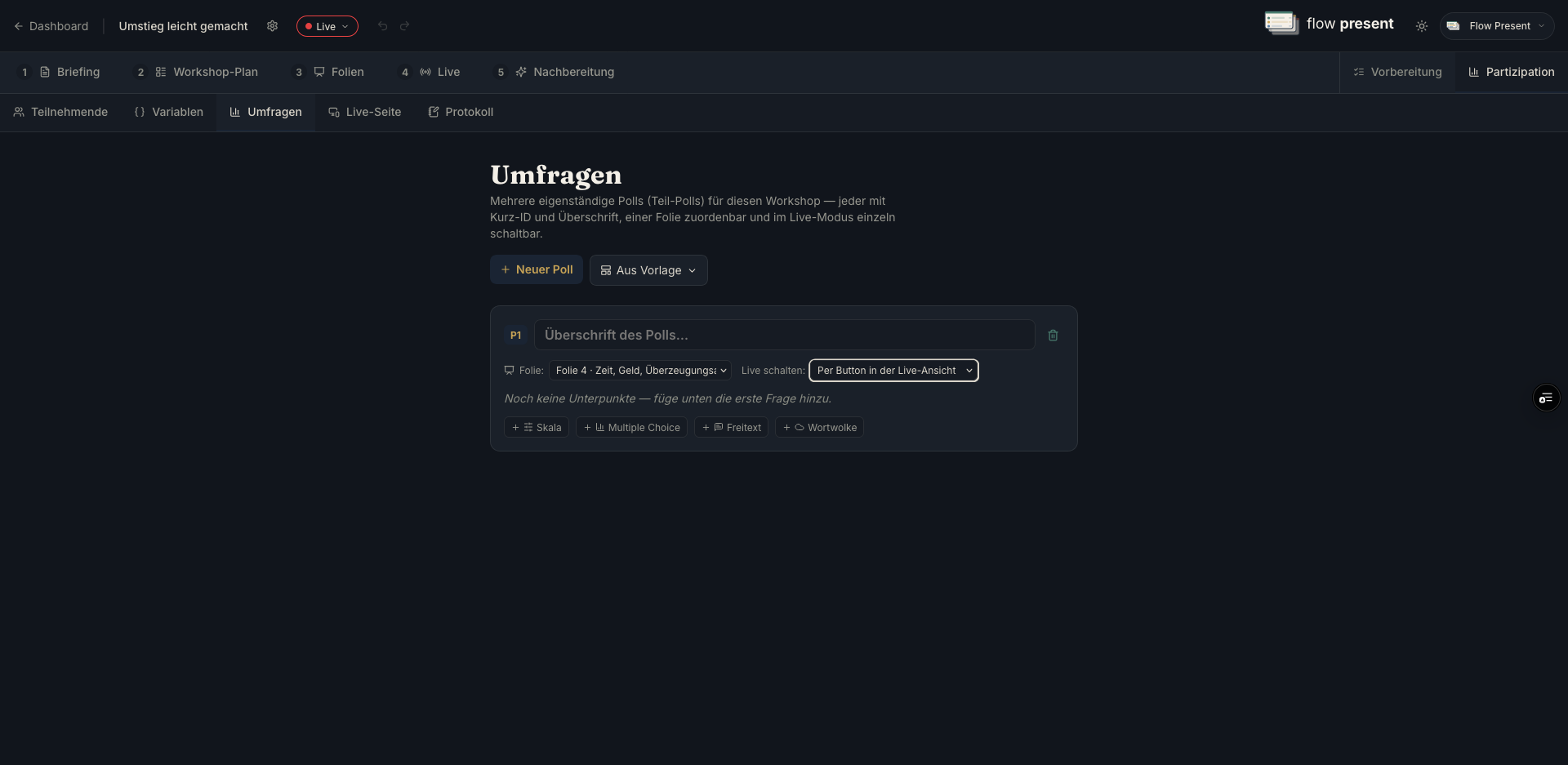
Its own tab: “Polls and participation for this workshop — embeddable in slides and toggleable in Live mode.”
Creating polls
Section titled “Creating polls”Four types, each with a question and an activation setting (“Automatically with the slide” or “Via a button in the Live view”):
- Multiple choice — add options, optionally “Allow multiple selection.”
- Word cloud — “Words per person.”
- Scale — a range (e.g. 1–5) with labels (“e.g. not at all” / “e.g. very much”).
- Free text — an open-ended answer.
Polls (structured)
Section titled “Polls (structured)”“New poll” bundles several questions under a single “Heading” with a “Short ID” (for referencing them in slides and Live) and an optional slide assignment. “Questions without a poll” come from an earlier version.
Feedback surveys
Section titled “Feedback surveys”With “From template,” you can use prepared sets (“Feedback (standard)” / “Feedback (compact)”). Feedback questions carry a “Feedback” badge; results appear under Follow-up.
Participants & groups
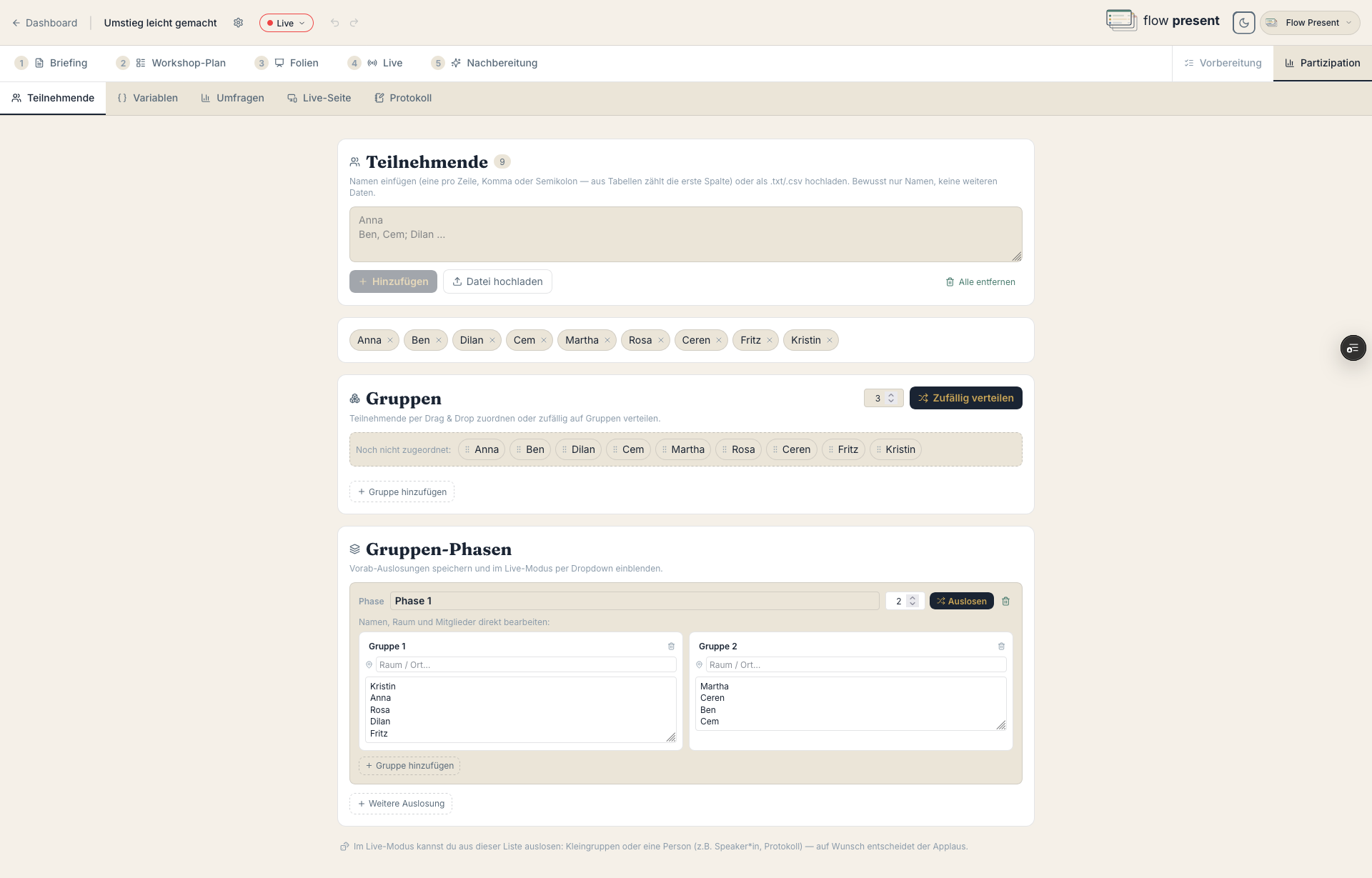
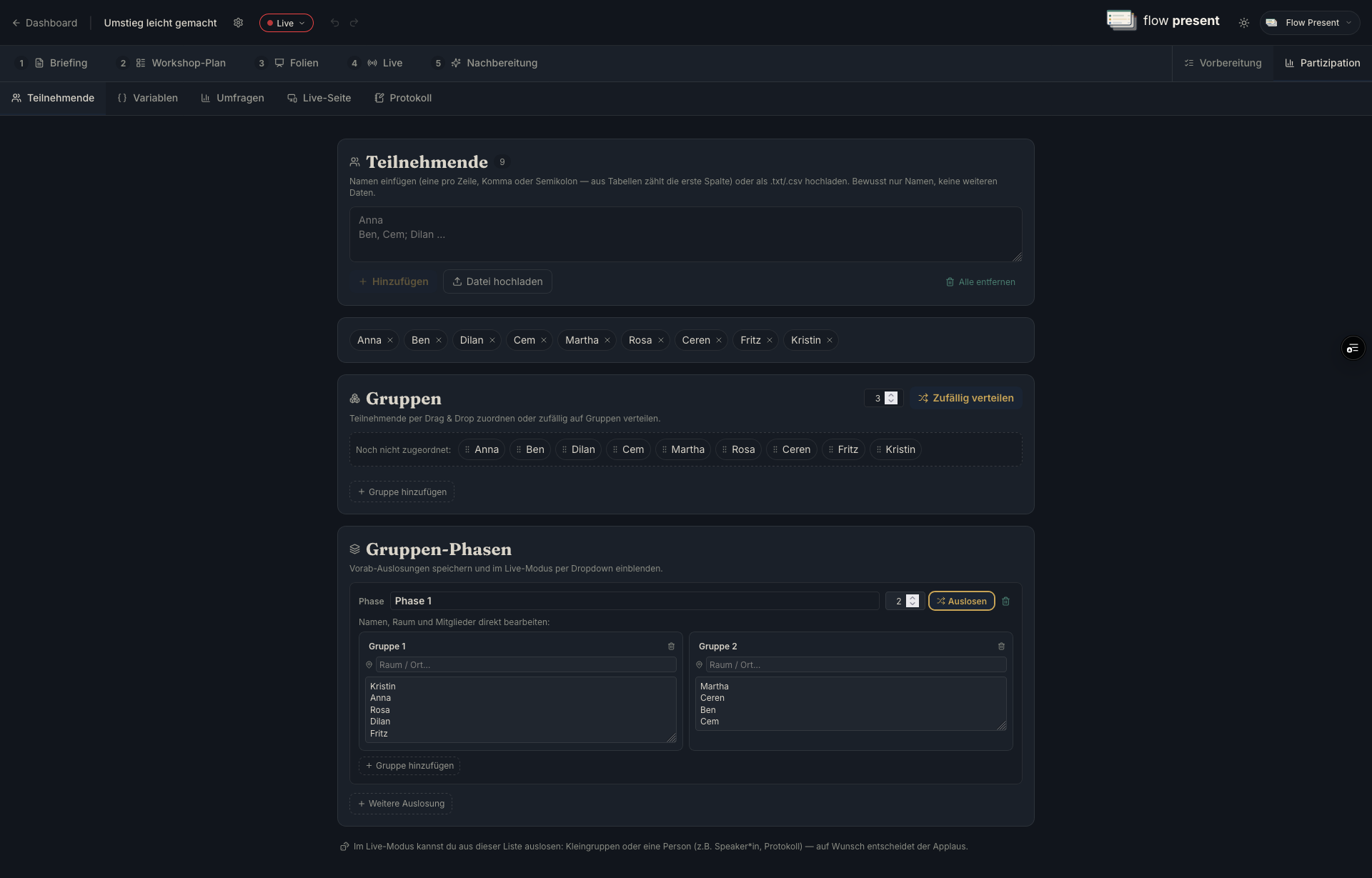
Section titled “Participants & groups”- Participants: enter names one per line or comma-separated, or upload a file (.txt/.csv). This is the basis for “participants per group” and the random draw in Live.
- Groups: “Add group” (name, room, members via drag and drop), “Distribute randomly,” “Clear all assignments.”
- Group phases: random draws saved in advance (“Another draw”), recallable in Live via “Select group phase.”
Minutes pad
Section titled “Minutes pad”A shared real-time document; in Live it can be shown read-only or open for participants to write in. This lets you spread the minute-taking across the team — or share it directly with the group — and edit it together live.